If you’re a dietitian wanting to build your online presence, you’re probably wondering how to create a website that looks great and actually works for your clients. As a website designer who works with Showit, I’ve helped tons of dietitians, health coaches and nutritionists create websites that match their brand and attract the right clients.
Let’s walk through how to build a dietitian website that’s easy to manage, looks amazing, and works for your unique business.
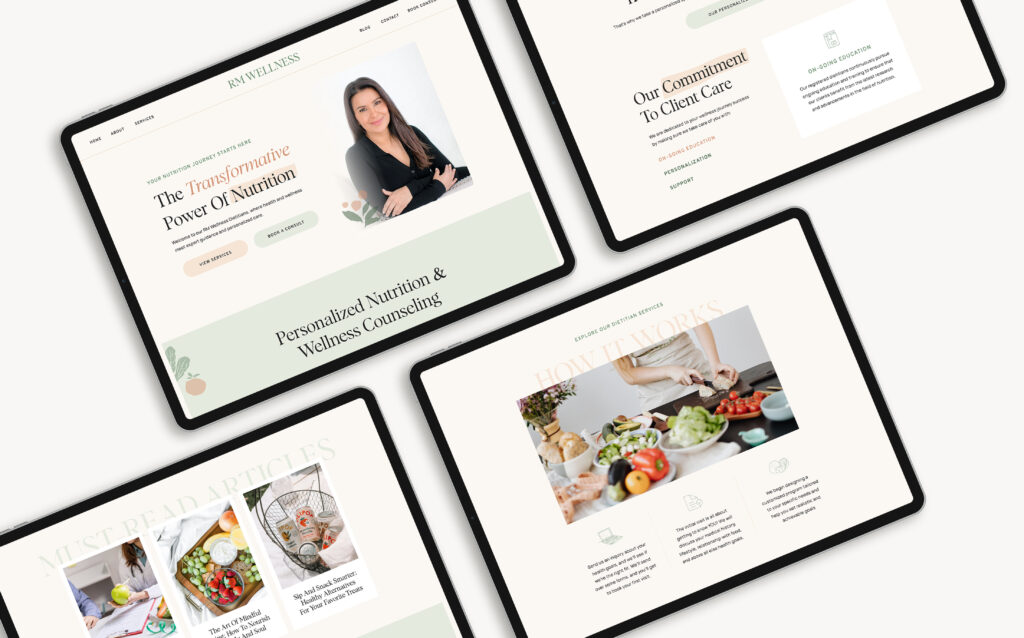
Step 1: Define Your Goals and Audience
Before you dive into building your website, it’s important to know what you want it to do.
Do you want to educate clients, book consultations, sell meal plans, or something else? And who are you creating this website for? What do your ideal clients need help with, and how can you support them?
For example, if you focus on weight management, you might need a section for personalized meal plans or a blog to provide resources. If you specialize in gut health, maybe you want a page to explain your approach to healing.
Having a clear vision of your website’s purpose and who it’s for is essential to making it work for you.
Step 2: Choose the Right Website Platform
There are a ton of website platforms out there, but not all of them are the best fit for dietitians. Personally, I recommend Showit and Webflow. They’re easy to use, customizable, and perfect for creating a professional-looking site.
Here’s a quick comparison to help you choose which platform is right for you:
- Showit: This platform is perfect for visual creators who want full control over the design of their website. It’s user-friendly, so you don’t need to be a design expert to get started. Showit also integrates with WordPress if you want a blog or need more advanced features. It’s a great option for dietitians who want a visually appealing website that’s easy to manage.
- Webflow: If you’re looking for more flexibility and don’t mind a little learning curve, Webflow is great. It lets you control every aspect of your website, from layout to animations. It’s a bit more complex than Showit, but if you want something super customizable, Webflow might be a good fit.
Other platforms like Squarespace and Wix are also worth considering. They’re easier for beginners but might not have the same design flexibility as Showit and Webflow.
If you want a deeper dive into Showit vs Webflow, check out my blog post, “Showit vs Webflow: Which Website Builder is Better For Your Business?” where I break down the pros and cons of each.
Ultimately, pick the platform that fits your style and comfort level. Both Showit and Webflow can help you create a stunning website that shows off your expertise.
Step 3: Choose a Template or Build From Scratch
Now that you’ve picked your website platform, it’s time to choose a template or go the DIY route and create your site from scratch! Templates are a fantastic way to get a polished, professional look quickly, and the best part is that they’re fully customizable. You can adjust the colors, fonts, and layouts to make sure your site reflects your brand.
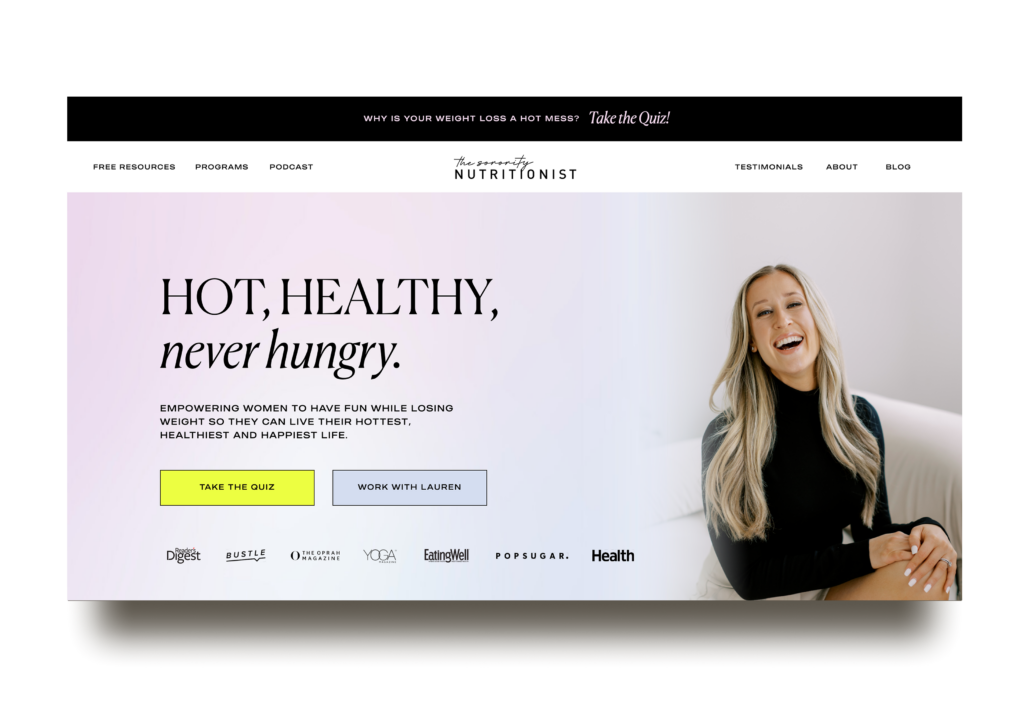
When selecting a template, choose one that’s user-friendly, especially if you’re new to web design. Both Showit and Webflow offer templates perfect for service-based businesses like dietitians. I’ve created a collection of templates that dietitians, health coaches, and nutritionists love using! Here are my best-selling Showit templates for this industry:
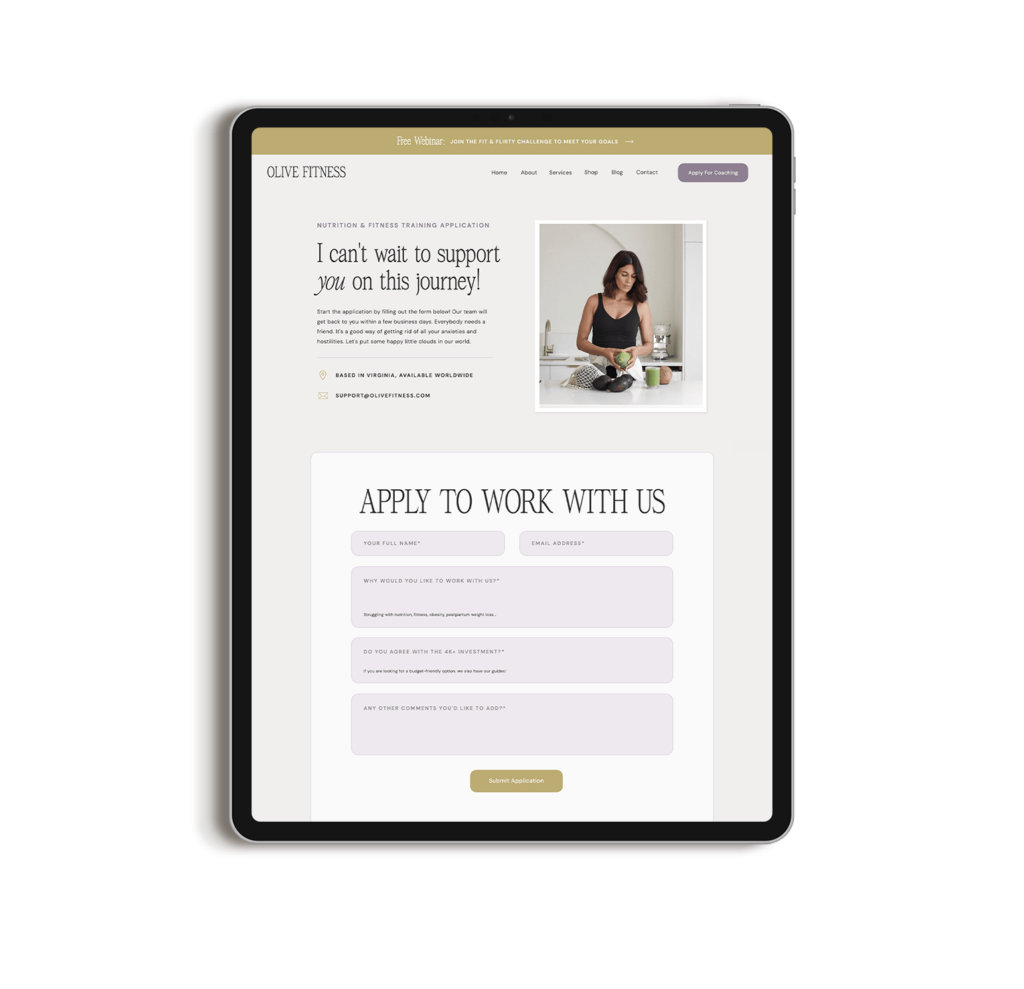
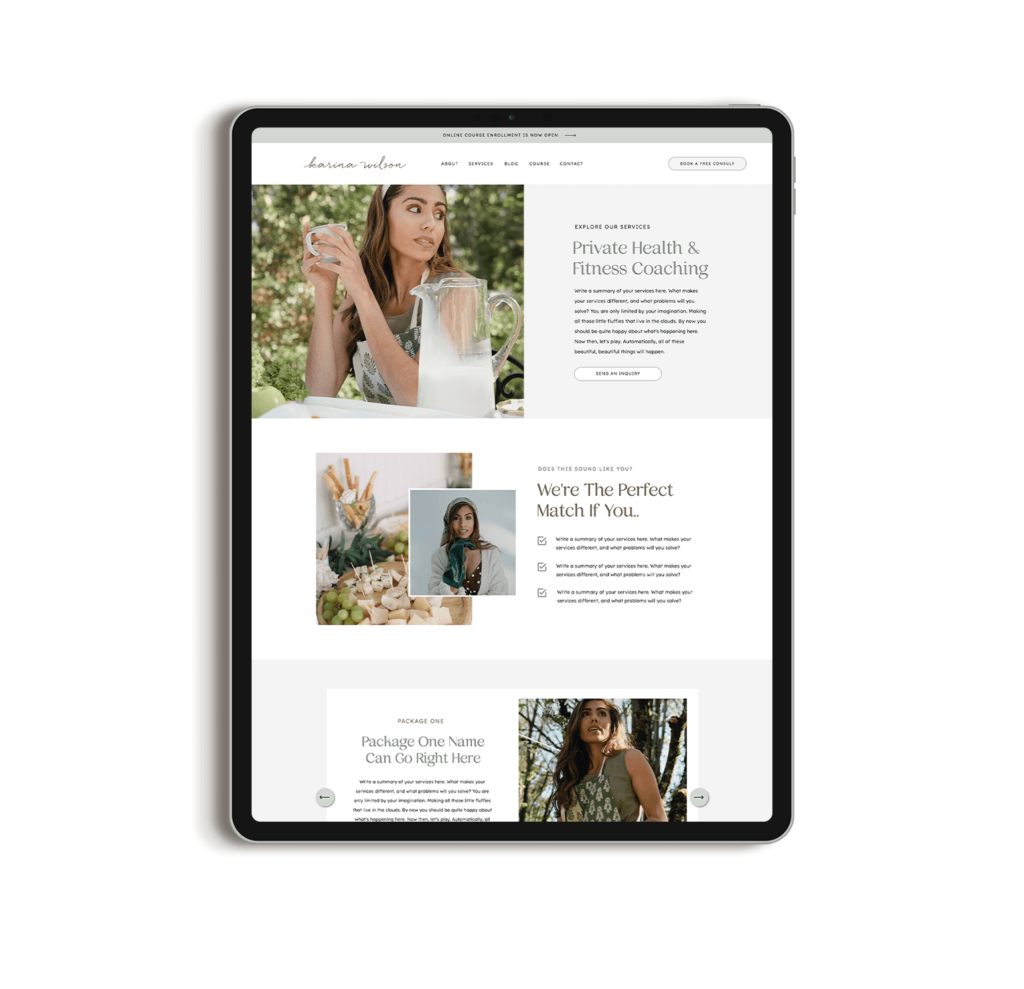
While these templates are designed with specific industries in mind, they are fully customizable to fit your brand and industry. Instead of focusing on the example industry, choose your template based on its design layout and the pages/sections included. You can fully customize any template, whether it’s swapping out content, changing fonts, rearranging sections, or even deleting pages. The possibilities are endless!
Prefer to DIY Your Dietitian Website?
Be sure to include these essential pages:
- Home Page: Your website’s first impression! Make sure it clearly introduces who you are and what you offer.
- About Page: Share your personal journey and qualifications to help your visitors feel connected to you.
- Services Page: Detail your services, whether it’s one-on-one consultations, group coaching, or nutrition workshops.
- Contact Page: Make it super easy for visitors to reach out to you.
- Blog (optional but highly recommended): Share tips, advice, and knowledge to showcase your expertise and drive more traffic to your site.
Or, if you want a truly personalized experience, let me help you build a custom website from scratch!
Step 4: Add Your Branding
A website isn’t just about looking good, it’s about feeling like you. One of the best ways to do that is through branding. Pick colors, fonts, and images that reflect your style. Your website should feel like an extension of your brand.
For dietitians, you’ll want your site to feel approachable and trustworthy. Soft colors like greens and blues work well in the nutrition space. Clean, modern fonts are easy to read, and images of healthy food or happy clients can make your website feel welcoming.
If you don’t have a professional logo yet, it might be worth working with a designer to create one. A simple logo will help make your website look more polished and cohesive.
Step 5: Create Content That Connects
Now, the fun begins, creating content! This is your time to showcase your expertise and build a relationship with your visitors. When writing content, make it a mix of professional insight and personal warmth.
Here are some tips to make your content more engaging:
- Keep it simple: Use clear and straightforward language that’s easy to understand. Avoid technical terms that might confuse visitors.
- Be relatable: Share your own journey or success stories from clients to help your audience see how you can help them.
- Add CTAs (Calls to Action): Every page should have a clear action you want visitors to take, like scheduling a consultation, subscribing to your email list, or accessing a free resource.
Your content should be informative, provide answers to your audience’s needs, and highlight how you can help solve their problems.
Step 6: Optimize for Mobile and SEO
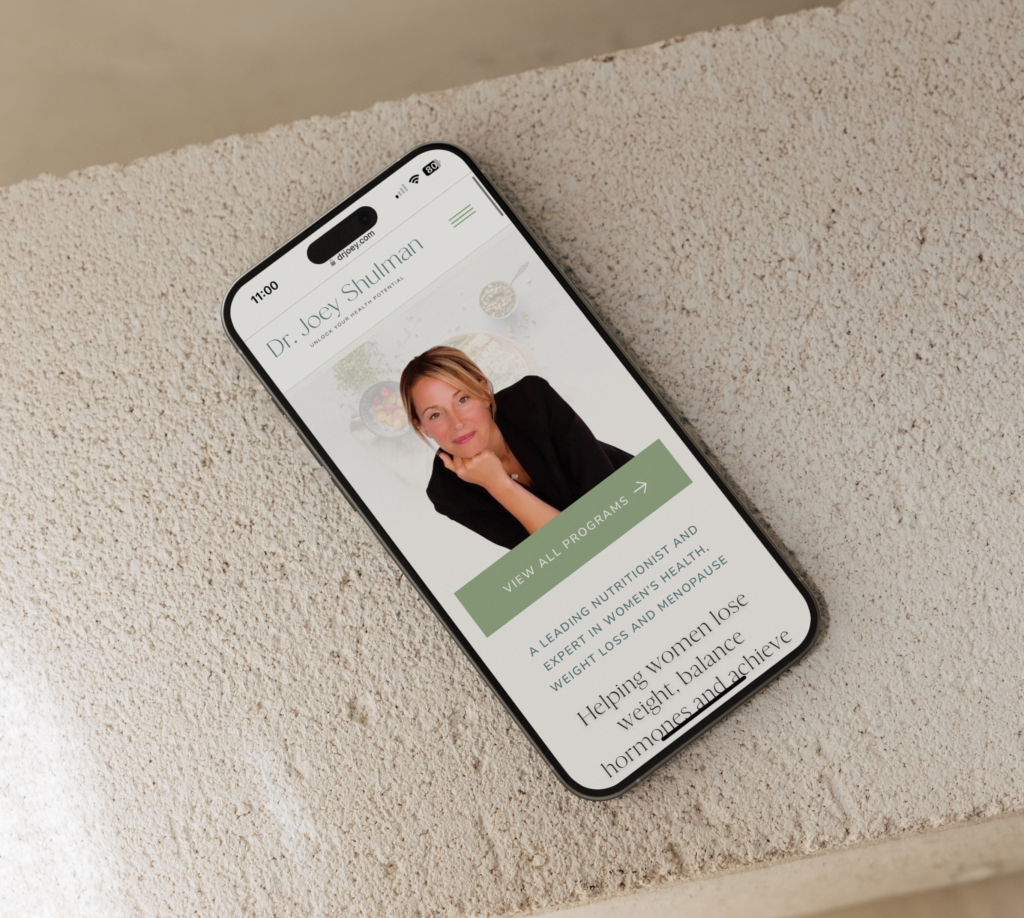
Now that your site looks great, let’s make sure it works perfectly on mobile too. With most users browsing from their phones, it’s important that your site is mobile-friendly.
Showit and Webflow templates usually come mobile-optimized, but take a minute to check how it looks on a phone screen.
Having SEO is super important because it will help people find you when they look for dietitians or nutrition advice.
Here are a few ways you can improve your SEO:
- Add keywords like “weight loss nutritionist” or “easy meal prep” throughout your content.
- Use alt text for your images to help search engines understand them.
- Keep your URLs simple and easy to read—no clutter.
- Use Google Analytics to monitor your site’s performance.
- Regularly update your blog with fresh, useful content.
- Work on building links with other nutrition or wellness experts.
- Make sure your site loads fast for a smooth experience (and better SEO!).
And if you need more help with SEO, I’ve got an SEO guide to help you rank higher on Google.
Step 7: Launch and Promote!
After all your hard work, it’s time to launch your site. But don’t just hit “publish” and forget about it, make sure people know about it. Share the link on social media, send an email to your list, and ask your friends or colleagues to help spread the word.
If you have a blog, start posting regularly to keep your site updated and improve your SEO. You can also offer free downloadable resources like meal plans, eBooks, or checklists to get people to subscribe to your email list.
My Experience Working with Dietitians, Nutritionists, and Health Coaches
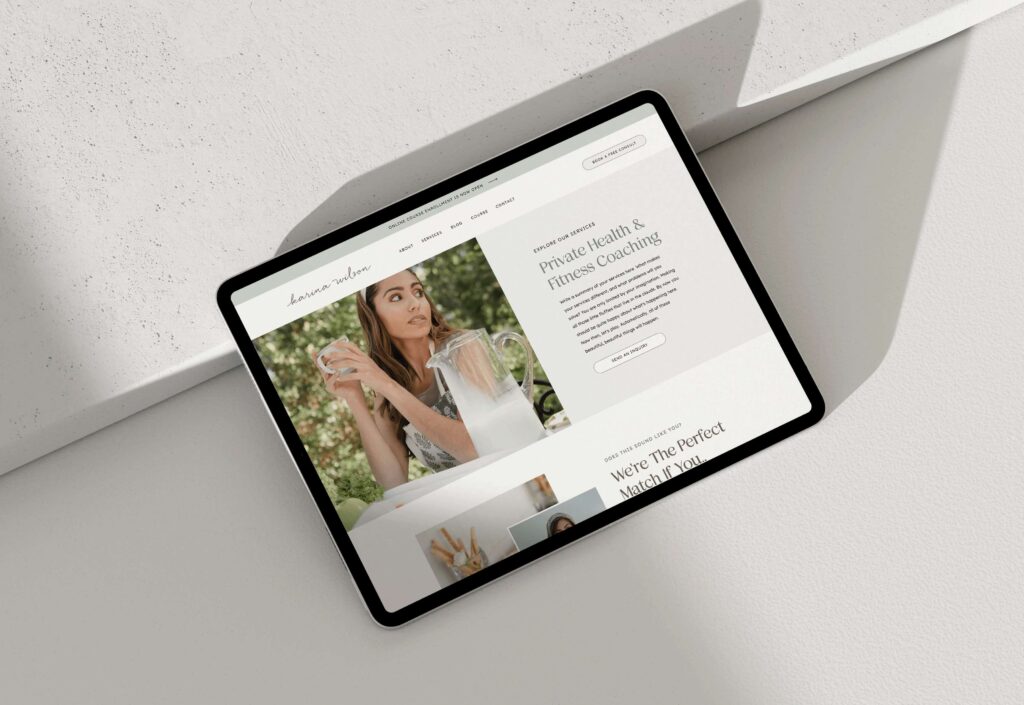
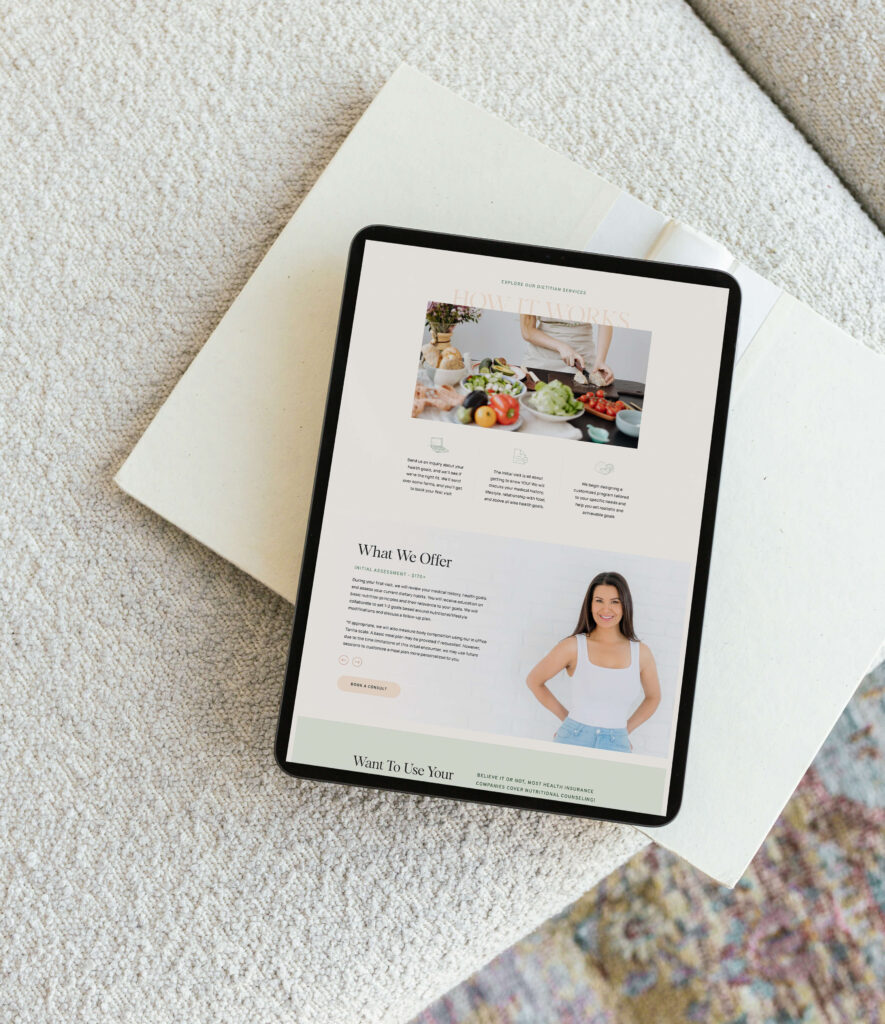
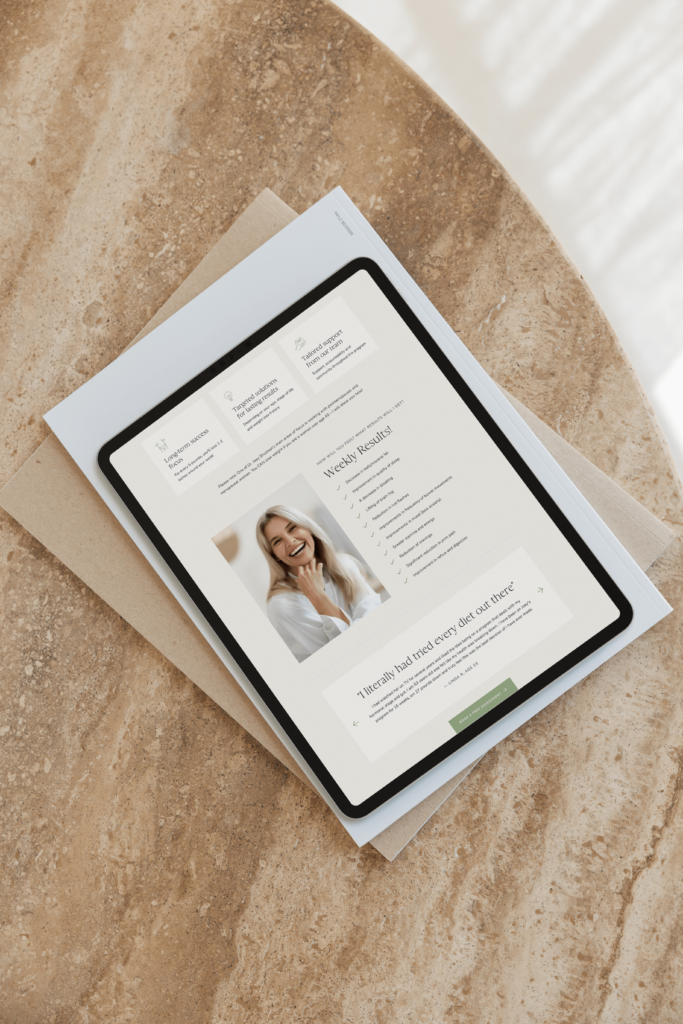
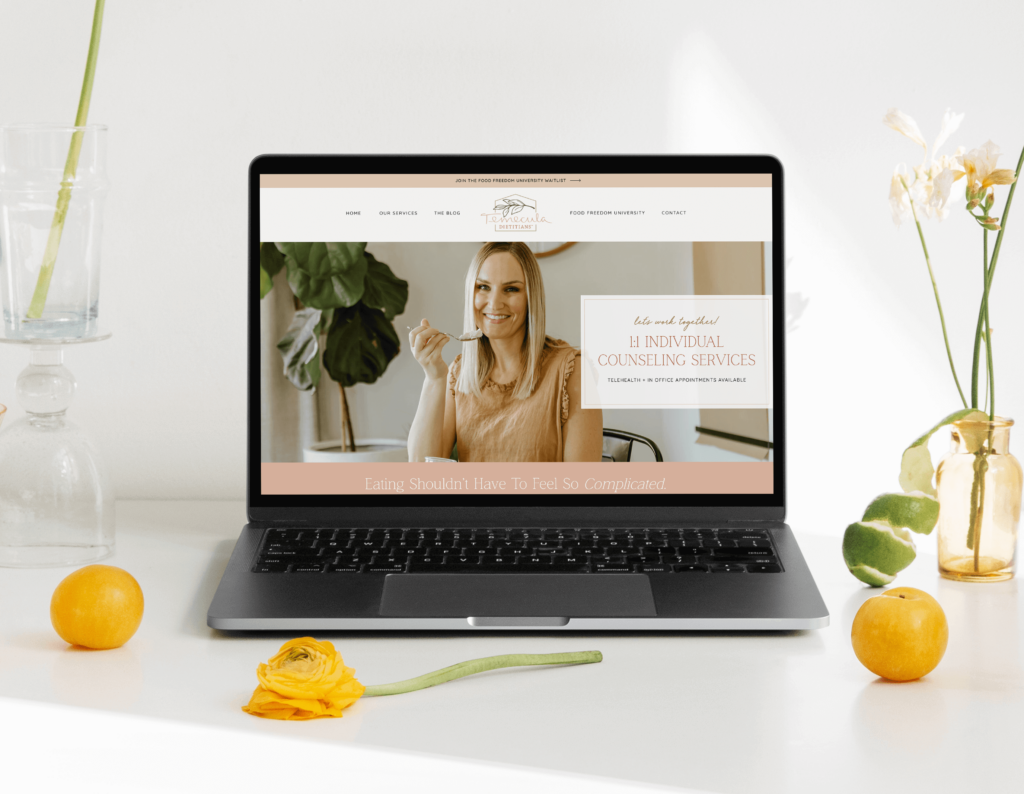
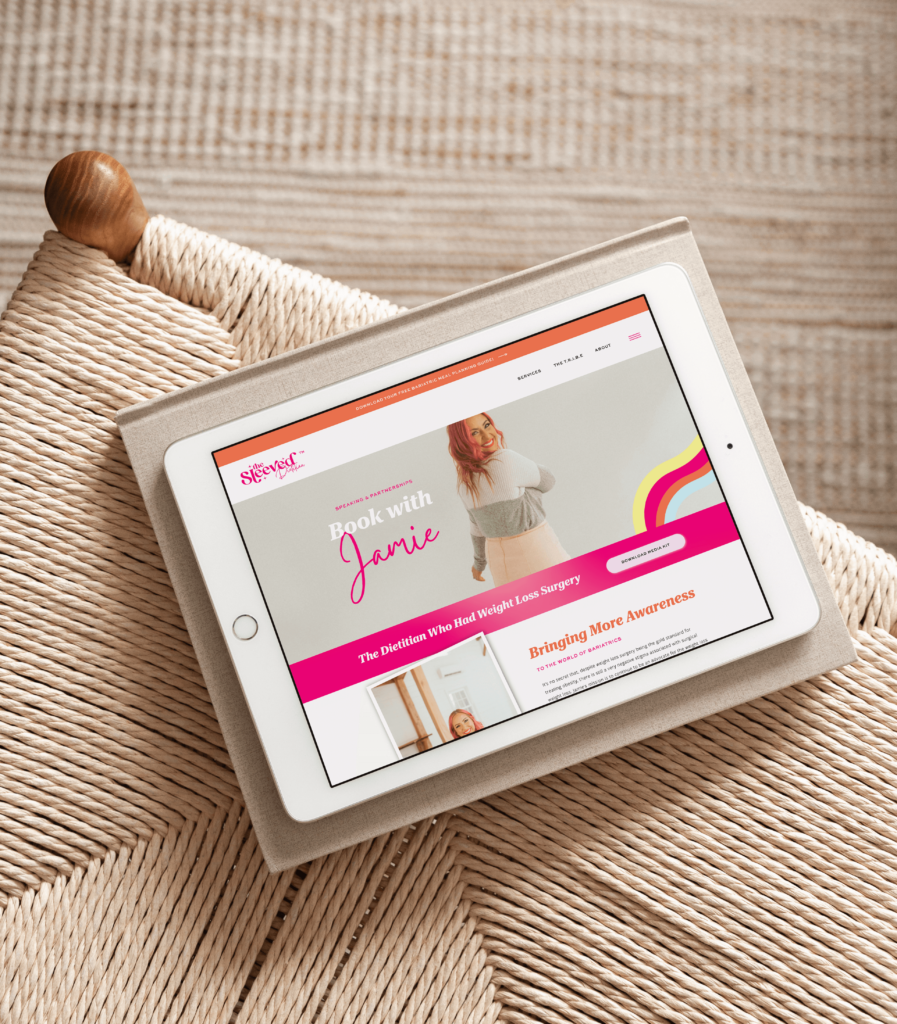
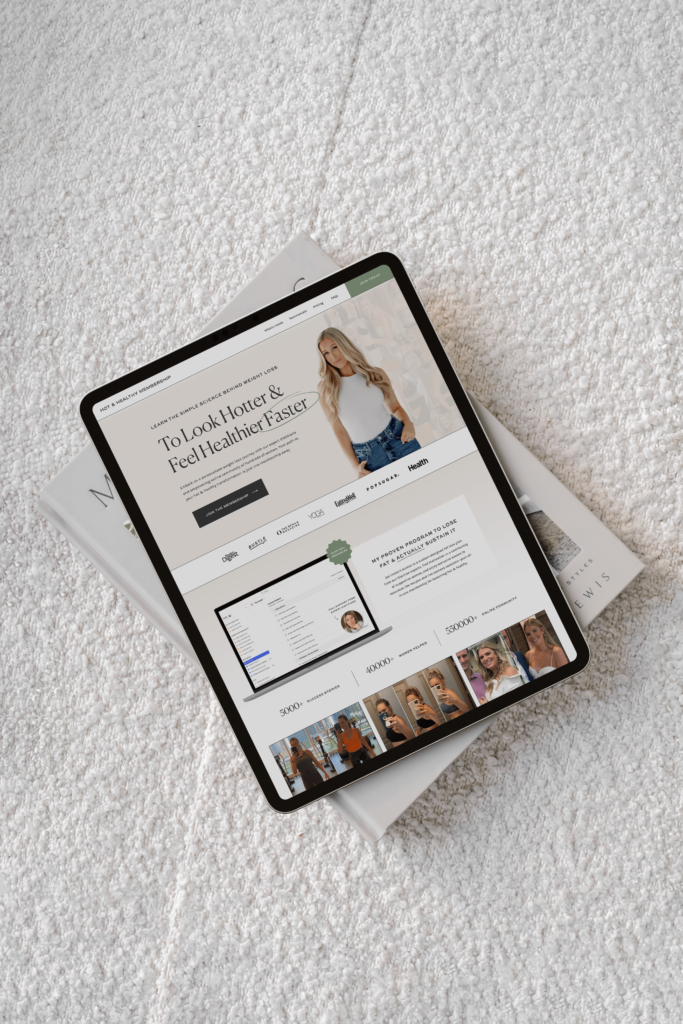
I’ve worked with some amazing dietitians, nutritionists, and health coaches to create websites that help them stand out and connect with their clients. Check out some of the websites I’ve designed in this industry:
Final Thoughts
Building a website as a dietitian doesn’t have to be stressful. By following these steps, you can create a website that represents your brand, attracts the right clients, and helps grow your business. Whether you go with Showit or Webflow, take your time to create a site that showcases your expertise and helps clients feel confident they’ve found the right person to help them.
Need a little extra help? I’d love to support you in building a website that works for you and your clients.
Disclaimer: This post includes affiliate links. If you go through them to make a purchase, I will earn a commission. Keep in mind that I only share about companies that I truly believe in and use myself! For my details on affiliate links, please visit my terms of use.
Designer-made Showit templates for new and growing businesses
Launch a site you're proud of, fast.
Shop Stacey Showit Template
Shop Hailey Showit Template
Create stunning websites and email campaigns, without the custom price tag. Easy-to-use templates designed for businesses who refuse to settle for basic. Starting at $275.
Shop Jessie Showit Template
Certified Showit & Flodesk Design Partner, hundreds of happy clients worldwide, and 4 consecutive "Best Web Designer" awards in my county.
I take the time to understand your vision (& bring it to life for you)
I help create a strategic custom designs that reflects who you really are, helps you reach your biggest business goals, and positions you as the expert you are.
From comprehensive brand strategy and logo design to custom Showit websites you can actually update yourself, I handle every detail so you don't have to. Let's create something you'll be proud to call yours.
Not sure if you need a full redesign or just some tweaks?
Get Your free audit checklist
Maybe your website is pretty good, but something feels off and you're wondering if it's time for an overhaul? Our comprehensive website audit checklist helps you evaluate your current site like a pro. Find out exactly what your site needs.