Are you wondering how to add a video to your Showit website to make it more engaging and vibrant? As a web designer who works with many female online service providers and business owners, I understand how important it is for your website to be functional. It also needs to be visually attractive.
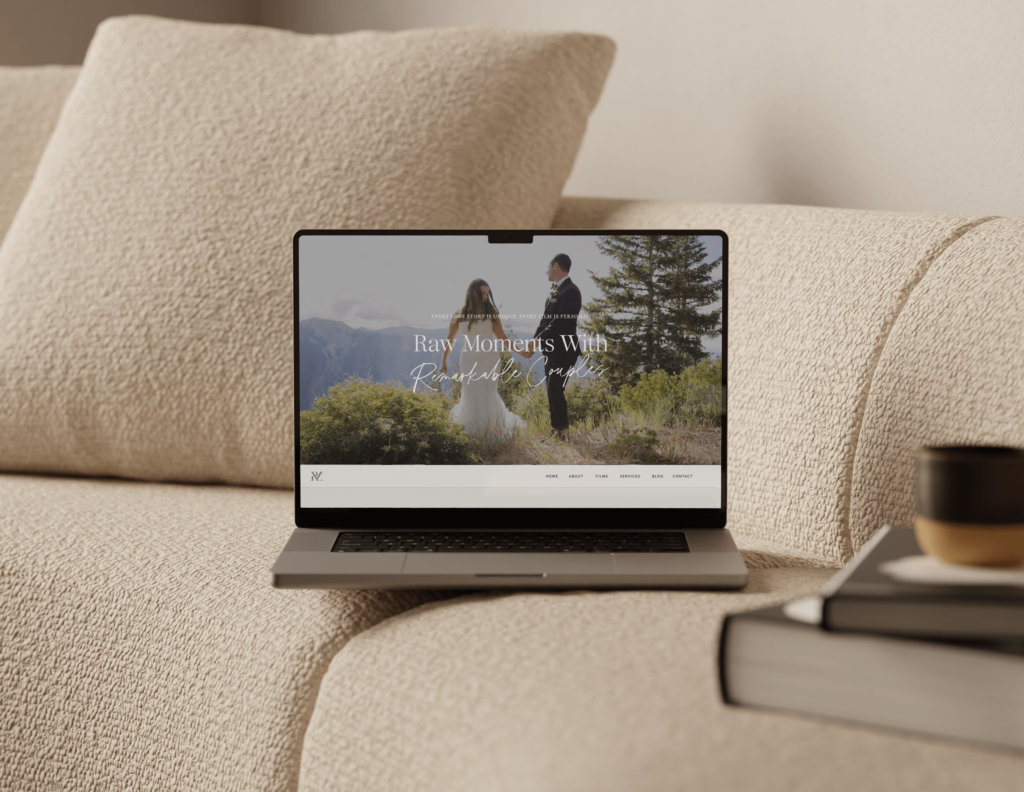
Today, I’ll guide you through the various ways to add a video to your Showit website. This includes background videos, using platforms like Vimeo and YouTube, and, of course, GIFs!
Why Add Videos to Your Showit Website?
Adding videos to your Showit site is a great idea for all businesses with a website. They draw in viewers and keep them hooked, which means people might hang around on your website for more time. This can also make your website more likely to pop up in search engine searches. Using a video maker tool allows you to easily create compelling videos that showcase what your business does and what makes it different.
Videos make your website more engaging and help tell your brand’s story in a memorable way. They give potential customers a quick, clear look at what you offer. This encourages them to learn more or even make a purchase.
For Wedding Videographers or Video Professional:
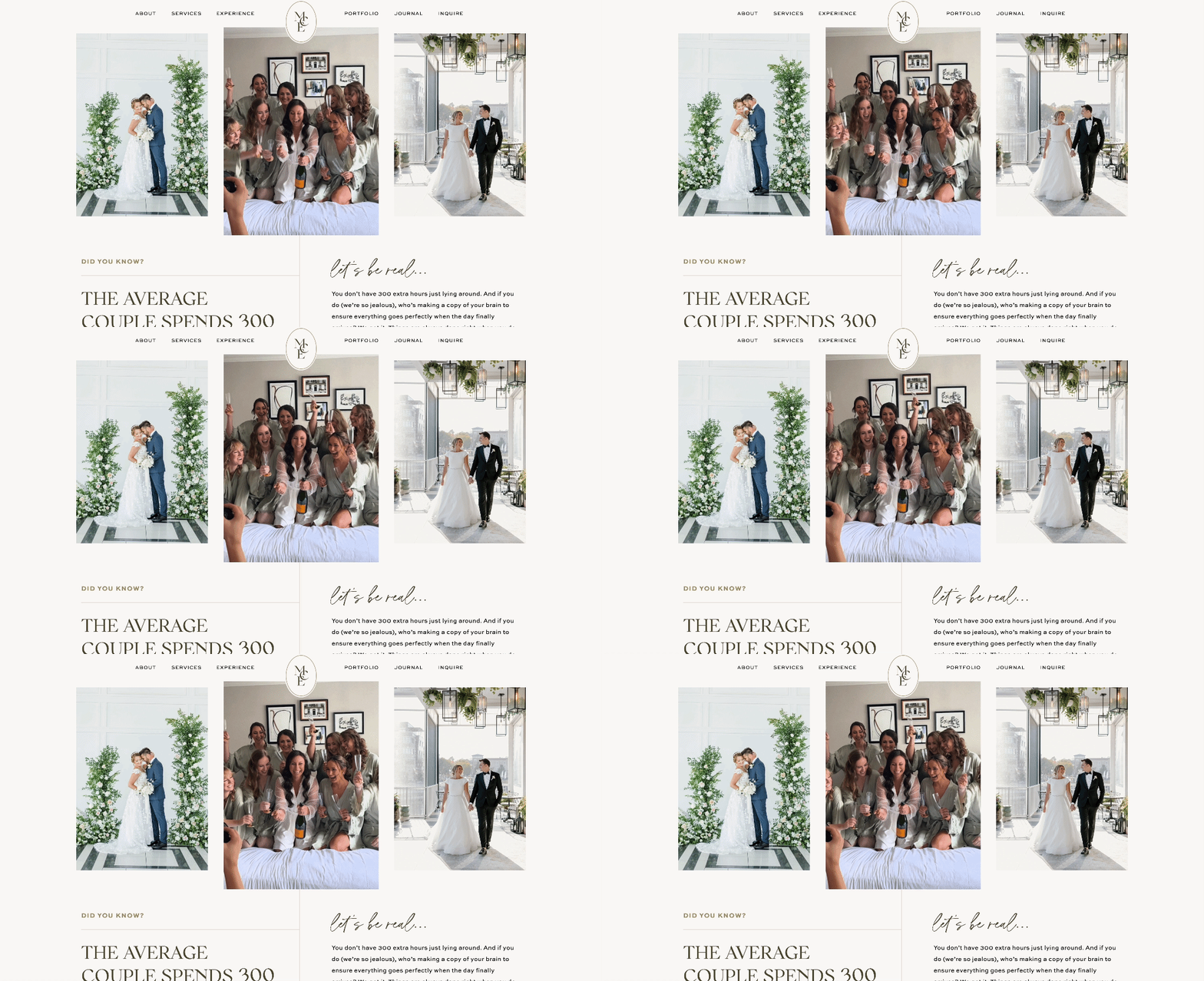
You might want to consider a template that’s specifically designed with video showcase in mind. Our Jaclyn Showit Template was built for exactly this! It includes multiple dedicated video gallery sections, portfolio layouts optimized for video content, and strategic placements that let your cinematography shine. Instead of figuring out how to design around video content, everything is already set up for you.
You get 10+ customizable pages, 30+ video tutorials to guide you through setup, and one month free of Showit to launch faster.
But if you prefer to add videos to your existing site, here’s how to do it…
Adding Background Videos
Background videos can set the tone of your website from the moment a visitor lands on it. These videos play quietly in the background, adding atmosphere without getting in the way. You can use them to show off your work, create a feeling, or just make your site more interesting to look at.
Here’s how you can add a background video:
- Choose your video: I recommend a video that’s short (around 15-30 seconds) that you can loom seamlessly. To stay within Showit’s 8 MB limit, you can use video compression tools. Adobe Premiere Pro is one option to reduce file size without losing much quality.
- Upload and set up: In the Showit app, go to the ‘Media Library’, upload your video, and then set it as a background on your desired section or page.

Remember, background videos are great for setting a mood. However, they shouldn’t distract from your primary message or call to action.
Using Vimeo or YouTube
For longer videos, or when quality is a priority, embedding YouTube or Vimeo videos is the way to go. This method doesn’t affect your site’s loading speed because the videos are hosted on external servers.
Here’s a simple way to embed a video from these websites and add it onto yours:
- Upload your video: First, you need to put your video up on YouTube or Vimeo.
- Find the embed code: Then, on the page where your video is, look for a button that says ‘Share’ or ‘Embed’ and copy the code that they give you.
- Putting it into Showit: After that, when you’re in Showit, find the place where you want your video to go, pull over a box that says ‘Embed Code’, and put the code you copied right there.

This method is particularly useful for videographers and content creators who need to showcase high-quality videos without the file size limitations.
Add Videos Directly to Your Page (Like Adding an Image)
Good news! Showit now lets you upload MP4 video files directly to your site without needing YouTube or Vimeo. This is perfect for short clips or quick highlights you want to add to your pages.
Important note: Your files cannot exced 8MB. If your video is larger than this, you’ll need to compress it or use YouTube/Vimeo instead. This option is amazing for quick videos but for your main portfolio work, YouTube or Vimeo will give you better quality and no file size restrictions.
Here’s how it works:
- Upload & add a video element to your page: Add your video file to your Showit Media Library. Then click “Add Element” at the bottom of the Showit editor and click “Video” from the dropdown menu to select the video and place anywhere you’d like.
- Customize your video settings: You’ll see a few options you can toggle on or off such as autoplay, loop and show play/pause controls.
Showcase Your Video Work on a Website That’s Built for It
Putting videos on your Showit website can really liven up your online space and make people more engaged! Now you know how to add videos to your Showit site, but if you’re a videographer or video professional, you might be realizing that designing a website around video content is a whole different challenge.
Where do you put your portfolio? How do you showcase multiple projects without overwhelming visitors? How do you make sure your videos load properly and look stunning on every device? That’s exactly why we created Jaclyn.

Introducing the Jaclyn Showit Template
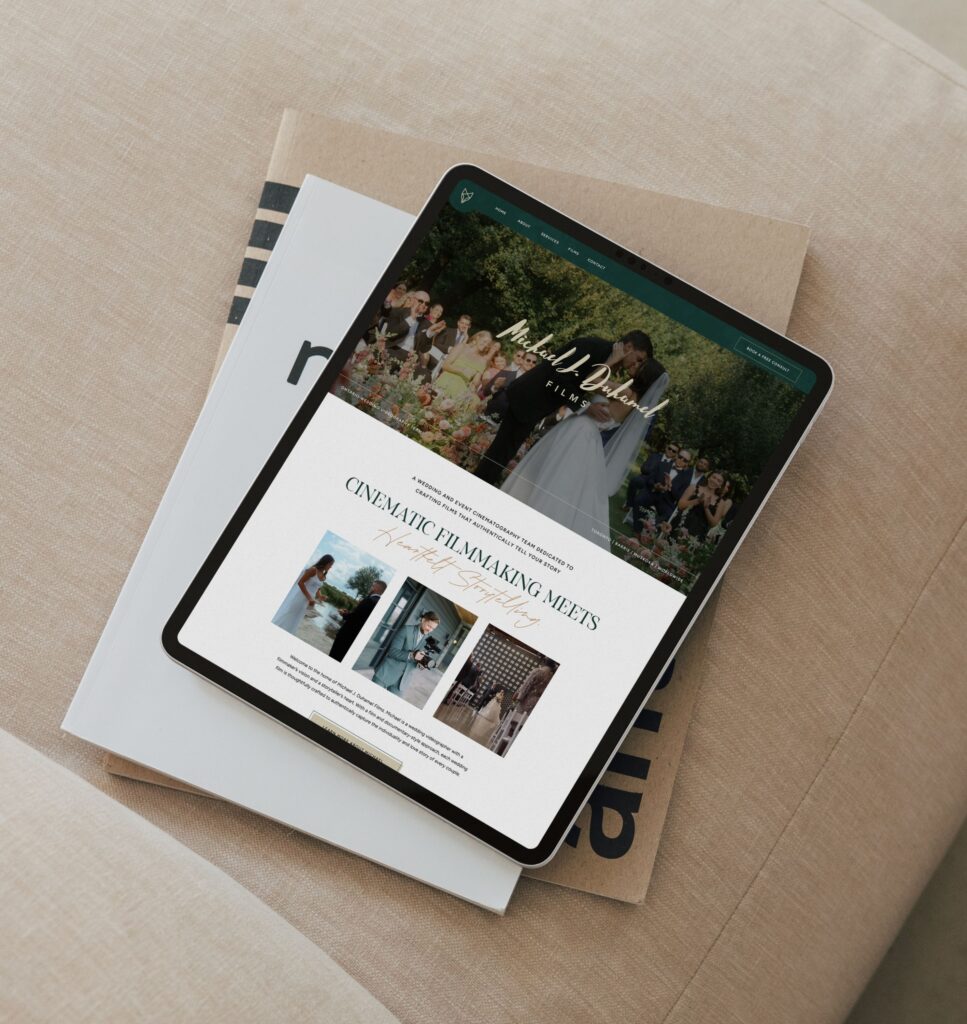
Jaclyn is a modern, elegant website template designed specifically for wedding videographers and video professionals. Every page is strategically built to showcase your cinematic work and help you book more dream clients who value high-quality storytelling. There’s multiple video showcase areas designed to make your work shine, you just customize it with your brand colors, add your videos, and launch.
Get the Jaclyn Template for Videographers →
If you’ve been in business for a while and clearly understand your audience and offerings, I recommend investing in a custom Showit design. As your website designer, I’ll also help you add videos to your Showit website to optimize your user experience and strategically showcase your products and services.

Adding videos to your Showit site is a great way to interact with site visitors and showcase your brand. Whether through background videos, embedded content from YouTube or Vimeo, or playful short clips, there are plenty of options to meet your needs.
Disclaimer: This post includes affiliate links. If you go through them to make a purchase, I will earn a commission. Keep in mind that I only share about companies that I truly believe in and use myself! For my details on affiliate links, please visit my terms of use.
Shop Jessie Showit Template

Create stunning websites and email campaigns, without the custom price tag. Easy-to-use templates designed for businesses who refuse to settle for basic. Starting at $275.
Shop Hailey Showit Template

Shop Stacey Showit Template

Launch a site you're proud of, fast.
Designer-made Showit templates for new and growing businesses


I help create a strategic custom designs that reflects who you really are, helps you reach your biggest business goals, and positions you as the expert you are.
From comprehensive brand strategy and logo design to custom Showit websites you can actually update yourself, I handle every detail so you don't have to. Let's create something you'll be proud to call yours.
I take the time to understand your vision (& bring it to life for you)
Certified Showit & Flodesk Design Partner, hundreds of happy clients worldwide, and 4 consecutive "Best Web Designer" awards in my county.

Maybe your website is pretty good, but something feels off and you're wondering if it's time for an overhaul? Our comprehensive website audit checklist helps you evaluate your current site like a pro. Find out exactly what your site needs.
Get Your free audit checklist
Not sure if you need a full redesign or just some tweaks?