Thinking about how to create a FAQ page or section on Showit but not sure where to start? You’re in the right place! A well-designed frequently asked questions page or section can be a game changer for your business.
It’s an easy way to answer your clients’ most common questions while keeping your inbox a little lighter (hello, time-saving!). Whether you’re an online service provider or a business owner, having a go-to place for FAQs can help your clients feel confident and informed before they even reach out to you.
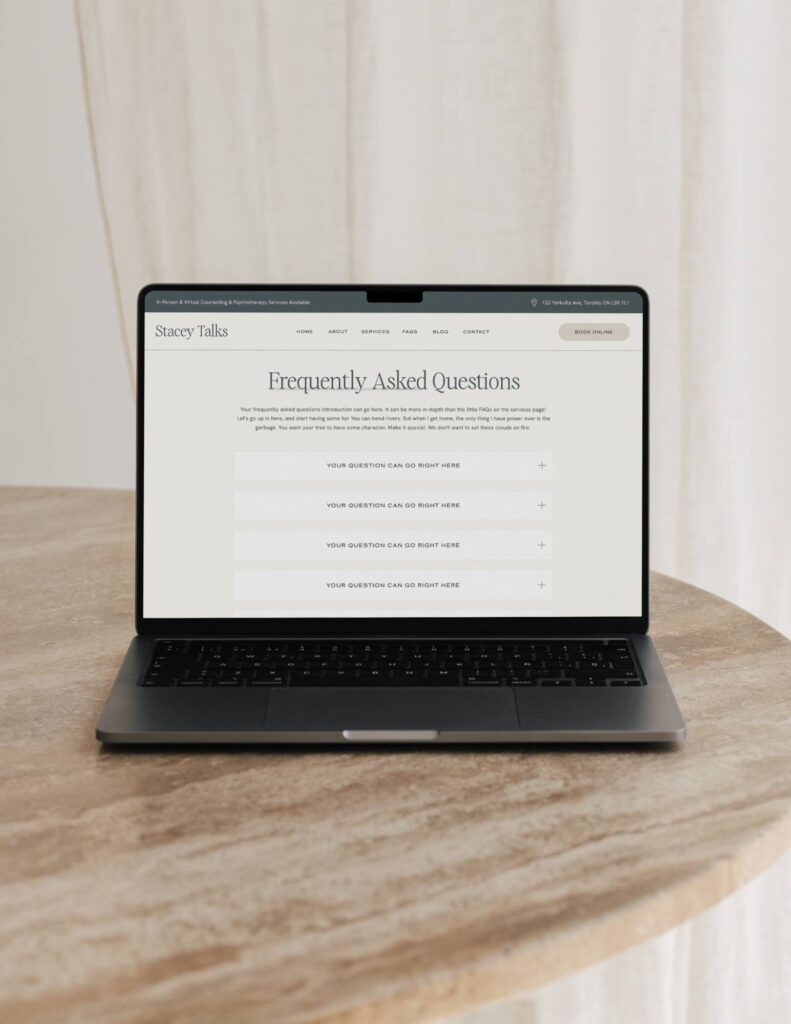
Why a FAQ Page or Section is a Must-Have on Your Website
Before we dive into the how, let’s talk about the why. A FAQ page is not just about saving time (though that’s a major bonus). It’s also about providing clarity. When potential clients visit your site, they often have questions they might feel hesitant to ask upfront. Your FAQ page can address their concerns, helping them feel more at ease and guiding them through your process. Plus, it shows that you’re prepared and thoughtful, which is always a win when building trust with new potential clients and customers.
Step-by-Step: How to Create a FAQ Page on Showit
So, you’ve decided to create a FAQ page on Showit. Let’s walk through how you can do that in a way that’s both functional and fun!
1. Begin by Creating a New Page
To start, you’ll need to set up a new page for your FAQ section. In Showit, go to your Pages section and click on “+ Add New Page.” You can either start from scratch with a blank page or use one of Showit’s pre-made templates. And if you’re looking for a shortcut, I’ve got a ready-to-use Showit FAQ page template that makes the whole process a breeze — no guesswork, no fuss!
2. Think About the Structure
A great FAQ page isn’t just a list of questions and answers — it should be organized and easy to navigate. In Showit, you have several ways to structure your FAQs. You can use dropdown sections (accordion-style) for a clean, minimal look that allows users to click on a question to reveal the answer. This is perfect if you have a lot of questions but don’t want the page to feel overwhelming.
Another fun way to display your FAQs is by using a slider. Each question gets its own “slide,” and users can scroll through them one by one. This adds a bit of interactivity to your page, making it feel more engaging.
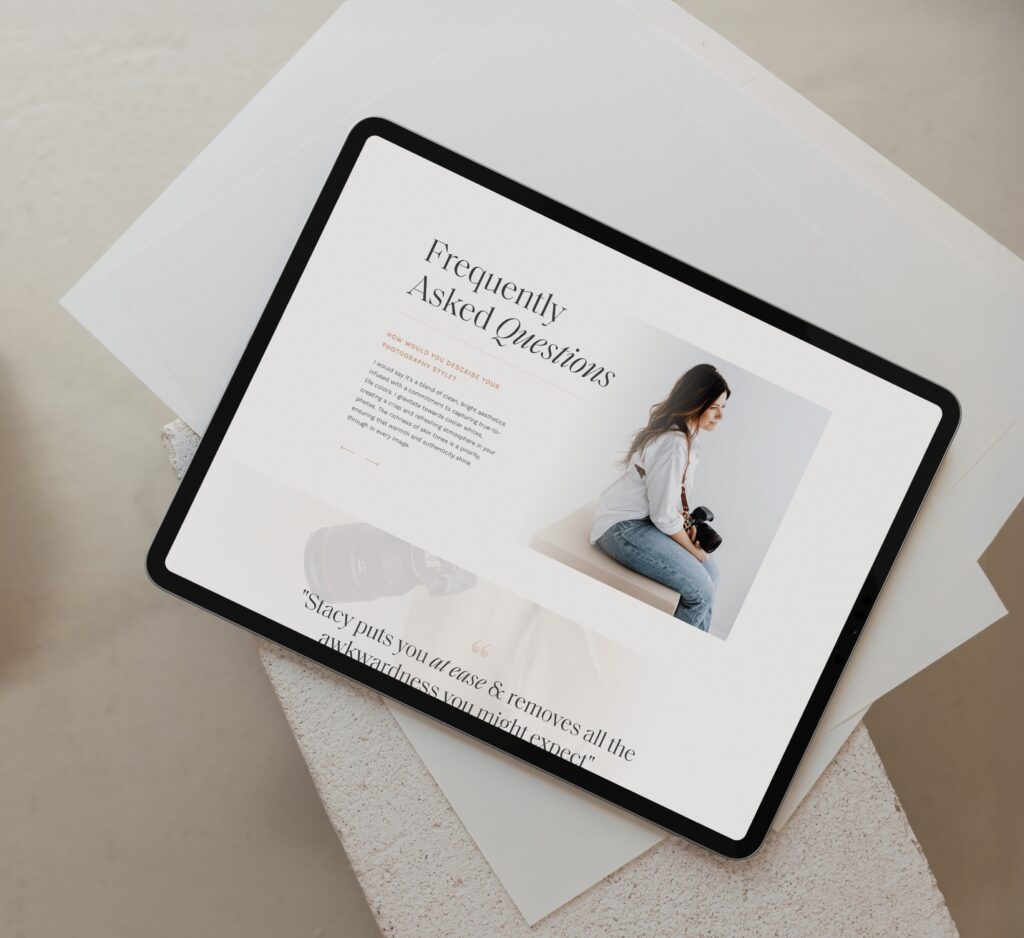
3. Design for Easy Reading
Keep your FAQ page simple and clean. Showit’s drag-and-drop design makes it easy to create a visually appealing page, but remember that readability is essential. Use large, clear fonts and make sure your questions stand out from the answers. I like to bold the questions or use a slightly different font color so it’s easy for users to scan through the page quickly.
4. Add Personal Touches
Your FAQ page doesn’t have to be all business. Feel free to add a little personality! Use a conversational tone (just like I’m doing here) to make the experience more welcoming and personable. Throw in a light-hearted comment here and there if it fits your brand. For example, if one of your FAQs is about your process, you could say something like, “Don’t worry, I’ve got you covered from start to finish. No overwhelm here!”
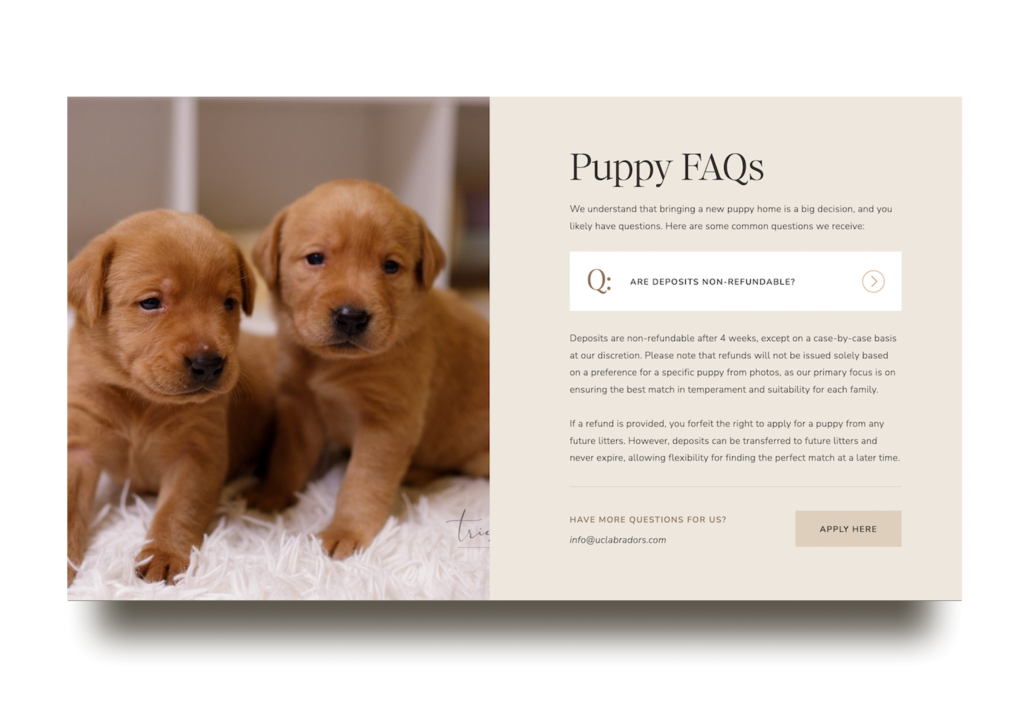
Fun Ways to Present Your FAQs
Showit offers plenty of options for styling your FAQ section, so why not make it a little more engaging? Here are some creative ways to display your FAQs:
- Dropdowns (Accordion Style): This classic, streamlined approach allows users to click on a question to see the answer, keeping your page neat and avoiding information overload. The setup for dropdowns is a bit more advanced since it requires creating different canvas views and adding show/hide click actions for each question. It’s perfect for those who want a sleek and tidy look, but if that sounds like a lot of work, my template can take care of the setup for you!
- Sliders: Turn each question into its own slide, letting visitors scroll or swipe through the answers. It adds a playful, interactive touch to your page. This option is easier to set up than the dropdowns, using different canvas views for each slide without needing as many actions. It’s a great choice if you want some interactivity but prefer a simpler setup.
- Simple List: Sometimes, keeping it straightforward works best. A basic list of questions and answers can be perfect if you have just a few points to cover. This is by far the easiest option, no extra features or fancy setups needed. Just list your questions and answers, and you’re ready to go! It’s ideal if you want a no-fuss FAQ section that gets the job done.
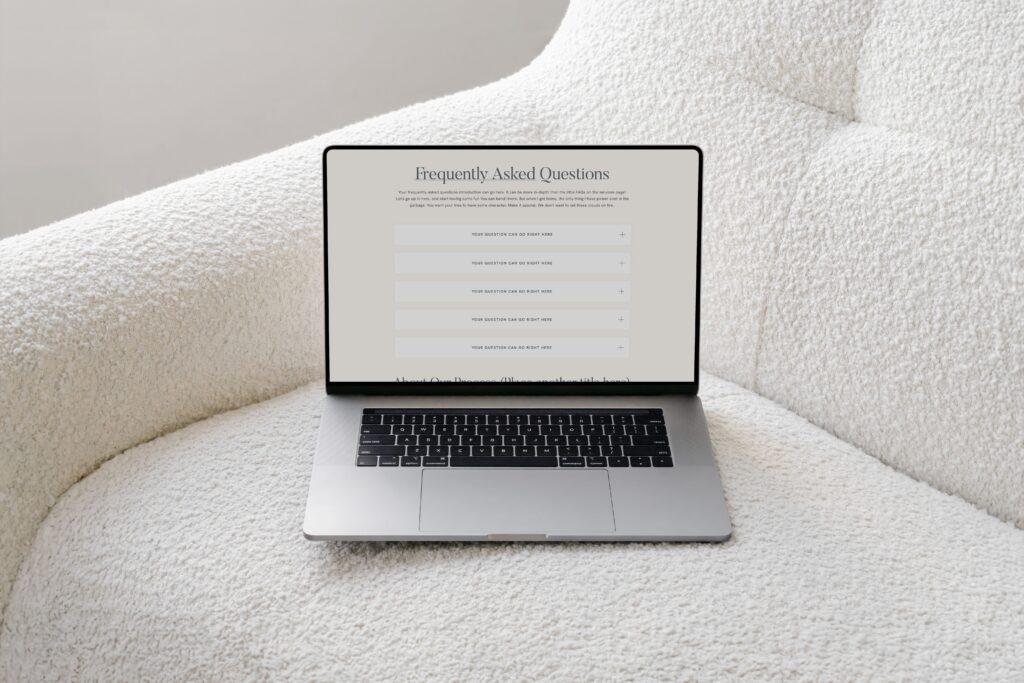
How My Showit FAQ Page Template Can Help
Whether you want a full FAQ page or just a small section on an existing page, my Showit FAQ page template can make the process so much easier! It’s designed to be flexible, so you can use it to create a stand-alone page or add a neat FAQ section wherever it makes the most sense for your website. No need to figure out the setup from scratch — just customize it to your brand, and you’re ready to go!
Wrapping It Up
Creating a FAQ page on Showit doesn’t have to be complicated or boring. With a little planning, some thoughtful design, and a few fun touches, you can build a page that not only answers your clients’ questions but also enhances their experience on your site. And if you want to skip the heavy lifting, my Showit FAQ page template has got you covered!
If you’re ready to give your clients the answers they need with style, grab my FAQ page template today and start creating your FAQ page!
Disclaimer: This post includes affiliate links. If you go through them to make a purchase, I will earn a commission. Keep in mind that I only share about companies that I truly believe in and use myself! For my details on affiliate links, please visit my terms of use.
Shop Jessie Showit Template

Create stunning websites and email campaigns, without the custom price tag. Easy-to-use templates designed for businesses who refuse to settle for basic. Starting at $275.
Shop Hailey Showit Template

Shop Stacey Showit Template

Launch a site you're proud of, fast.
Designer-made Showit templates for new and growing businesses


I help create a strategic custom designs that reflects who you really are, helps you reach your biggest business goals, and positions you as the expert you are.
From comprehensive brand strategy and logo design to custom Showit websites you can actually update yourself, I handle every detail so you don't have to. Let's create something you'll be proud to call yours.
I take the time to understand your vision (& bring it to life for you)
Certified Showit & Flodesk Design Partner, hundreds of happy clients worldwide, and 4 consecutive "Best Web Designer" awards in my county.

Maybe your website is pretty good, but something feels off and you're wondering if it's time for an overhaul? Our comprehensive website audit checklist helps you evaluate your current site like a pro. Find out exactly what your site needs.
Get Your free audit checklist
Not sure if you need a full redesign or just some tweaks?