Looking for help on how to create a links page in Showit? You’re in the right place! As a business owner, having a well-structured links page can significantly increase your website traffic, improve your SEO, and grow your business!
I’ll guide you through the steps to create a stunning links page in Showit. Plus, I have a special freebie for you – a free Showit links page template to help you get started quickly and easily.
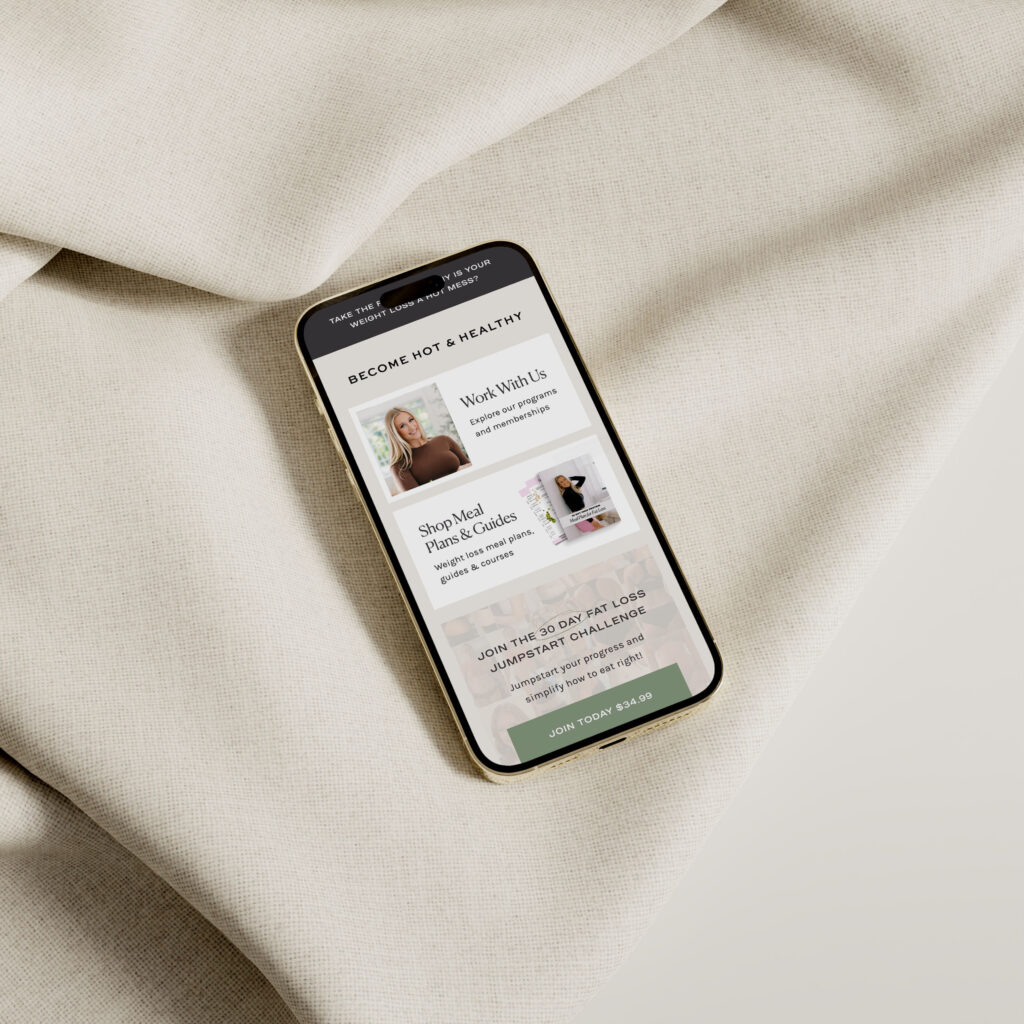
Why Create a Links Page in ShowIt?
A links page is a dedicated page on your website where you can gather and showcase all your important links in one place. It tells people where to go and what to do next.
Making a links page in Showit has so many benefits over using platforms like LinkTree. You can control the design completely, making it match your brand. It also helps improve your SEO ranking, because you are bringing traffic to your own website—not a third party. There won’t be any extra costs just to remove logos or to make it match your own branding! Creating it through your website is free, easy to do, and fully customizable.
A well-designed links page can also:
- Drive traffic to multiple parts of your website.
- Showcase your top content, services, or products.
- Make it easy for your audience to find what they’re looking for.
- Provide a central hub for all your online resources.
- Improve user experience by reducing navigation time.
How to Create a Links Page in Showit
Let’s dive into the step-by-step process of creating a links page in Showit.
1. Log Into Your Showit Account
First, log into your Showit account. If you don’t have one yet, you can sign up for a free trial on the Showit website! This link also provides you with your first month free on top of the free trial.
Once you’re logged in, you’ll be taken to your dashboard.
2. Create a New Page
In the Showit dashboard, click on the “Pages” tab on the left side. Then, click the “Add New Page” button.
A popup will appear with different options. Choose “Blank Page” to start from scratch.
3. Name Your Page
Give your new page a name, such as “Links” or “Link In Bio”. This name makes it easy for you to find later. It’ll also appear in your site’s navigation bar if you choose to add it there.
4. Design Your Page Layout
Now, it’s time to get creative! Showit offers a drag-and-drop interface, making it easy to design your page without any coding knowledge.
Here’s a simple layout you can follow:
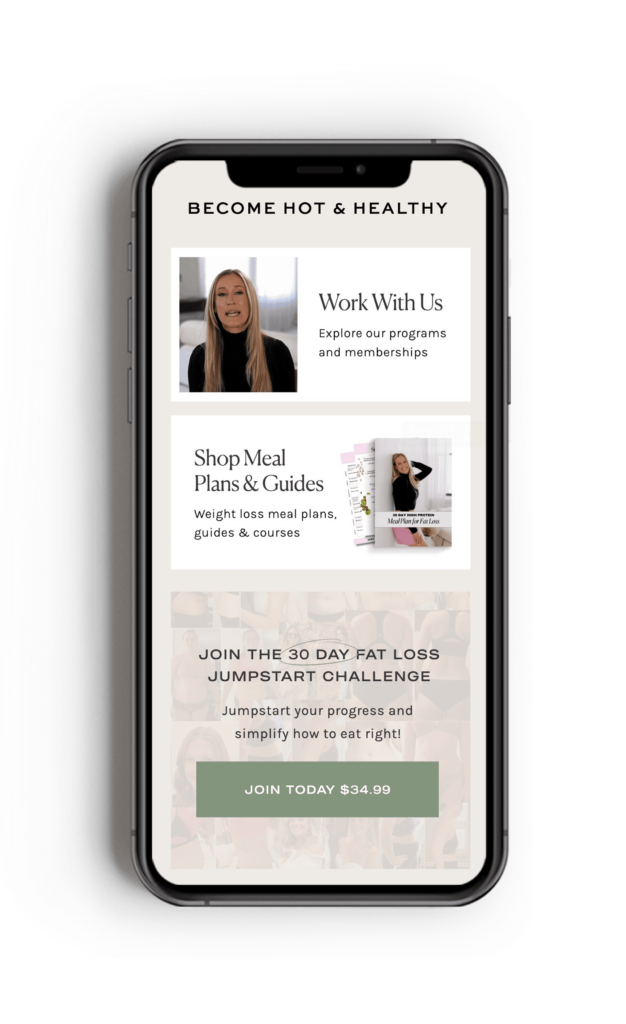
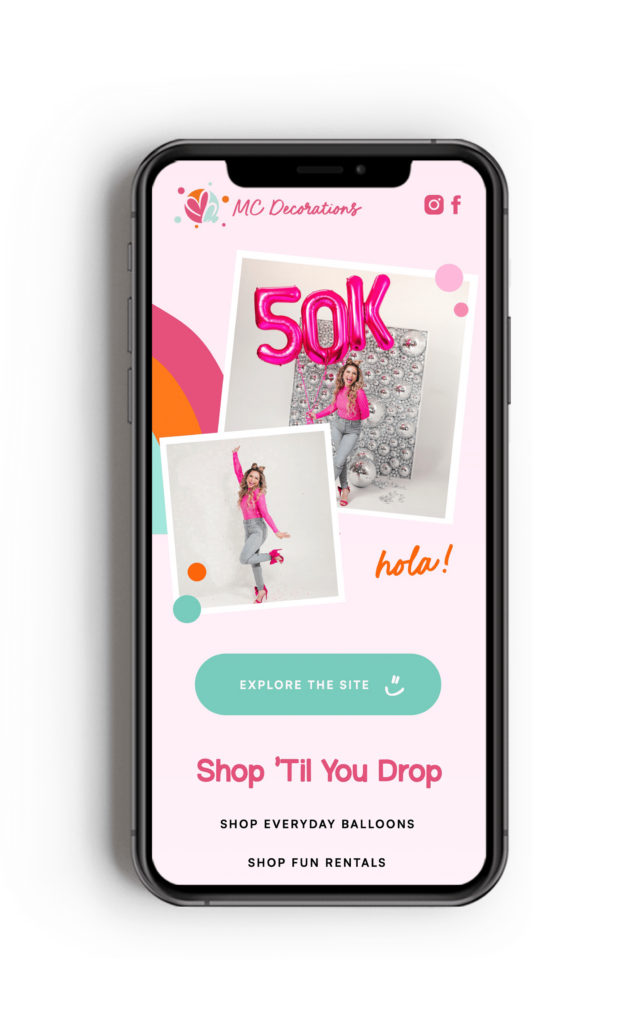
- Header Image: Start with a header image that includes a picture of you and a title like “Welcome to My Links” or “Find What You Need Here”.
- Social Links: Add icons or buttons for your social media profiles to make it easy for visitors to connect with you!
- Important Links: Include buttons for each important link. Customize these buttons to match your brand’s style. Beneath each button, add a brief description of what the link is for to guide your visitors.
When you’re designing your links page, make sure you’re using your brand colors, fonts, and images.
Here’s examples of a Showit Links Page I designed for clients recently:
5. Add Your Links
Add a link to each of your buttons. This could be a page on your website, your social media profiles, or external resources. To do this, click on the button, go to the “Click Actions” tab on the right side, and enter the URL.
I know you might be tempted to include everything under the sun, but it’s important to keep your links page clean and easy to navigate.
6. Publish Your Page
Once you’ve designed and linked everything, preview your page to make sure it looks good and works properly. When you’re happy with it, go ahead and publish your links page!
Download My FREE Showit Links Page
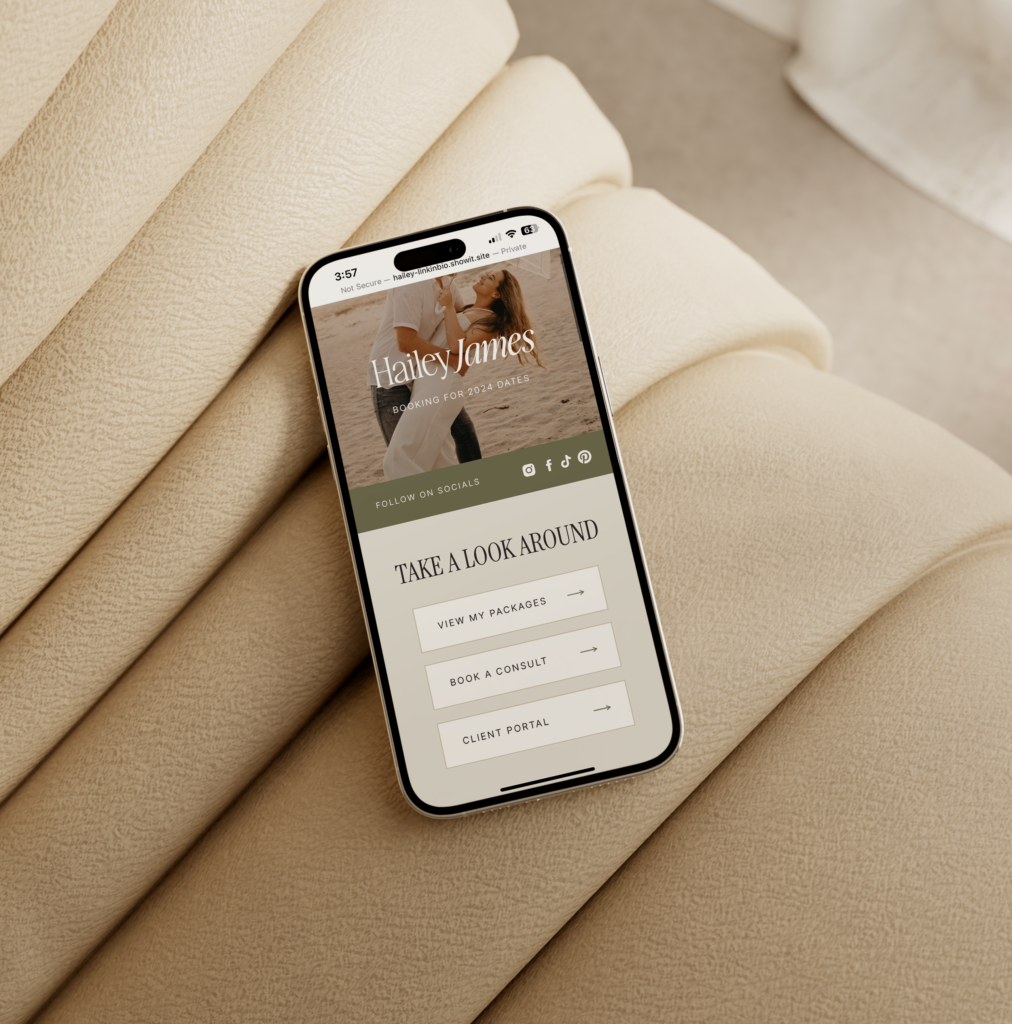
As promised, I have a special freebie for you! To help you get started, download my free Showit links page template below. This template is designed to be easy to customize, allowing you to create a beautiful links page in no time. Simply add it to your existing Showit website using the share key you’ll be provided with, make it match your branding and change the link in your bio!
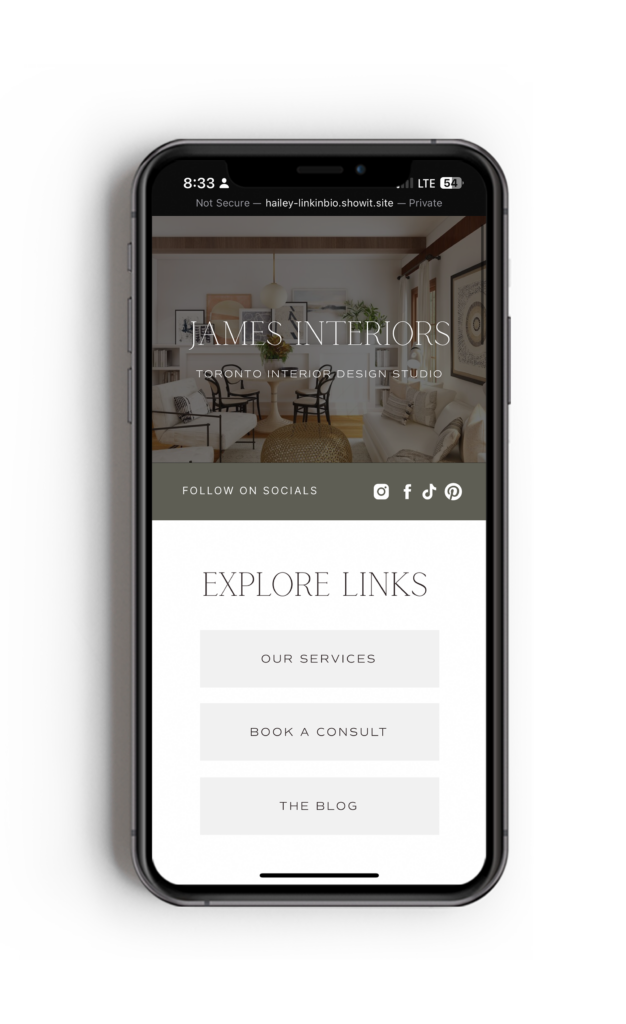
Free Showit Links Page Template!
You control the aesthetics, don’t incur any additional costs and it can improve SEO, driving more organic traffic to your site. This page can be added to any existing website & fully customize to match your branding.
Wrapping Up
Creating a links page in Showit is a straightforward process that can have a big impact on how you engage with your audience. By following these steps, you’ll have a well-designed links page that’s easy to update and share.
If you have any questions or need further assistance, feel free to reach out. I’m here to help!
Disclaimer: This post includes affiliate links. If you go through them to make a purchase, I will earn a commission. Keep in mind that I only share about companies that I truly believe in and use myself! For my details on affiliate links, please visit my terms of use.
Shop Jessie Showit Template

Create stunning websites and email campaigns, without the custom price tag. Easy-to-use templates designed for businesses who refuse to settle for basic. Starting at $275.
Shop Hailey Showit Template

Shop Stacey Showit Template

Launch a site you're proud of, fast.
Designer-made Showit templates for new and growing businesses


I help create a strategic custom designs that reflects who you really are, helps you reach your biggest business goals, and positions you as the expert you are.
From comprehensive brand strategy and logo design to custom Showit websites you can actually update yourself, I handle every detail so you don't have to. Let's create something you'll be proud to call yours.
I take the time to understand your vision (& bring it to life for you)
Certified Showit & Flodesk Design Partner, hundreds of happy clients worldwide, and 4 consecutive "Best Web Designer" awards in my county.

Maybe your website is pretty good, but something feels off and you're wondering if it's time for an overhaul? Our comprehensive website audit checklist helps you evaluate your current site like a pro. Find out exactly what your site needs.
Get Your free audit checklist
Not sure if you need a full redesign or just some tweaks?